Jarvee Facebook Group Finder Not Working

Weir

Regular Member
Joined
Feb 3, 2018
Messages
293
Reaction score
63
I am new to jarvee. I have successfully validated my account. Put my keywords in the finder tab & trying to extract group but it's not working. It searching for few minutes & comes up 0 results. I have tested with popular keywords too but 0 result.

Please help what I am doing wrong?
 
Bump
 
JARVEE’s Group finder tool for Facebook accounts is a bit advanced compared to the Group Finder tool for LinkedIn and Google Plus accounts since it has some additional options but other than that, they generally work the same way.
 
Make sure you have "skips groups with less than" set to zero. FB dont show how many are in a group now so that section doesnt work. If you put a number in there it will return 0 results
 
JARVEE’s Group finder tool for Facebook accounts is a bit advanced compared to the Group Finder tool for LinkedIn and Google Plus accounts since it has some additional options but other than that, they generally work the same way.

But for some strange reason its not working for me. Jarvee Team replied & I have given them all the screenshots

Make sure you have "skips groups with less than" set to zero. FB dont show how many are in a group now so that section doesnt work. If you put a number in there it will return 0 results

I didn't enter any number there.
 
Open the account you are using in the embedded browser inside Jarvee and put a keyword in the FB search box there and see if it finds results from inside FB.
 
Open the account you are using in the embedded browser inside Jarvee and put a keyword in the FB search box there and see if it finds results from inside FB.
Yep, I opened In embedded browser and put my keyword and finding lots of results.

I also got email support from jarvee. They told me to clear cookies & login as embedded browser but still no result :(
 
Yep, I opened In embedded browser and put my keyword and finding lots of results.

I also got email support from jarvee. They told me to clear cookies & login as embedded browser but still no result :(
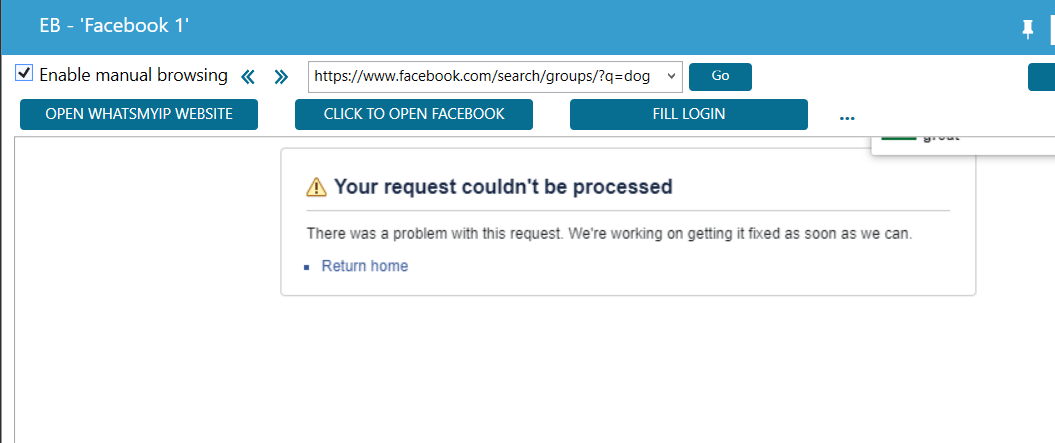
You can open the embedded browser and see what is happening when Jarvee is searching. Try that with just 1 keyword and you might see where its going wrong.
 
You can open the embedded browser and see what is happening when Jarvee is searching. Try that with just 1 keyword and you might see where its going wrong.

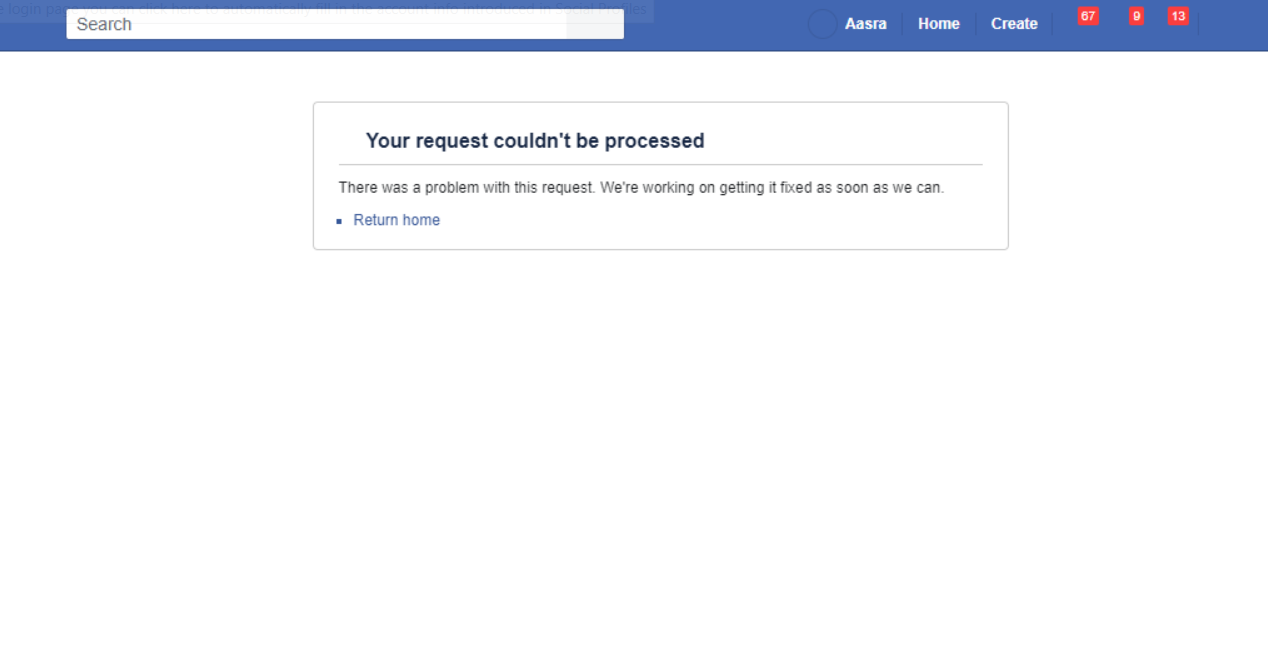
It is saying " your request cannot proceed"

Thanks For Your Help & Prompt reply. How to solve this?

j4.png
 

Attachments

  • upload_2020-4-22_23-18-1.png
    upload_2020-4-22_23-18-1.png
    52.4 KB · Views: 108
Try and open the embedded browser really quickly and see where it is putting the search. Here is what I see in the embedded browser for the search "dog"
Untitled.png
 
Its showing same result for dog but same message is appearing as soon as I open browser

j5.png

Could be your proxy timing out as well too. I had a similar issue, I cleared cookies and put a new port on the proxy. Was a proxy issue
 
Could be your proxy timing out as well too. I had a similar issue, I cleared cookies and put a new port on the proxy. Was a proxy issue
I am not using any proxy here. It's just my 1st time using jarvee with my home internet on my home pc with single account
 
I am not using any proxy here. It's just my 1st time using jarvee with my home internet on my home pc with single account
The same thing happened to me and what I did to solve it was to perform the manual search through Jarvee's integrated search engine and automatically the tool started working.
 
The same thing happened to me and what I did to solve it was to perform the manual search through Jarvee's integrated search engine and automatically the tool started working.
Will you please elaborate more
Where is jarvee integrated search engine
 
Back
Top