- Aug 28, 2014
- 11,815
- 8,686
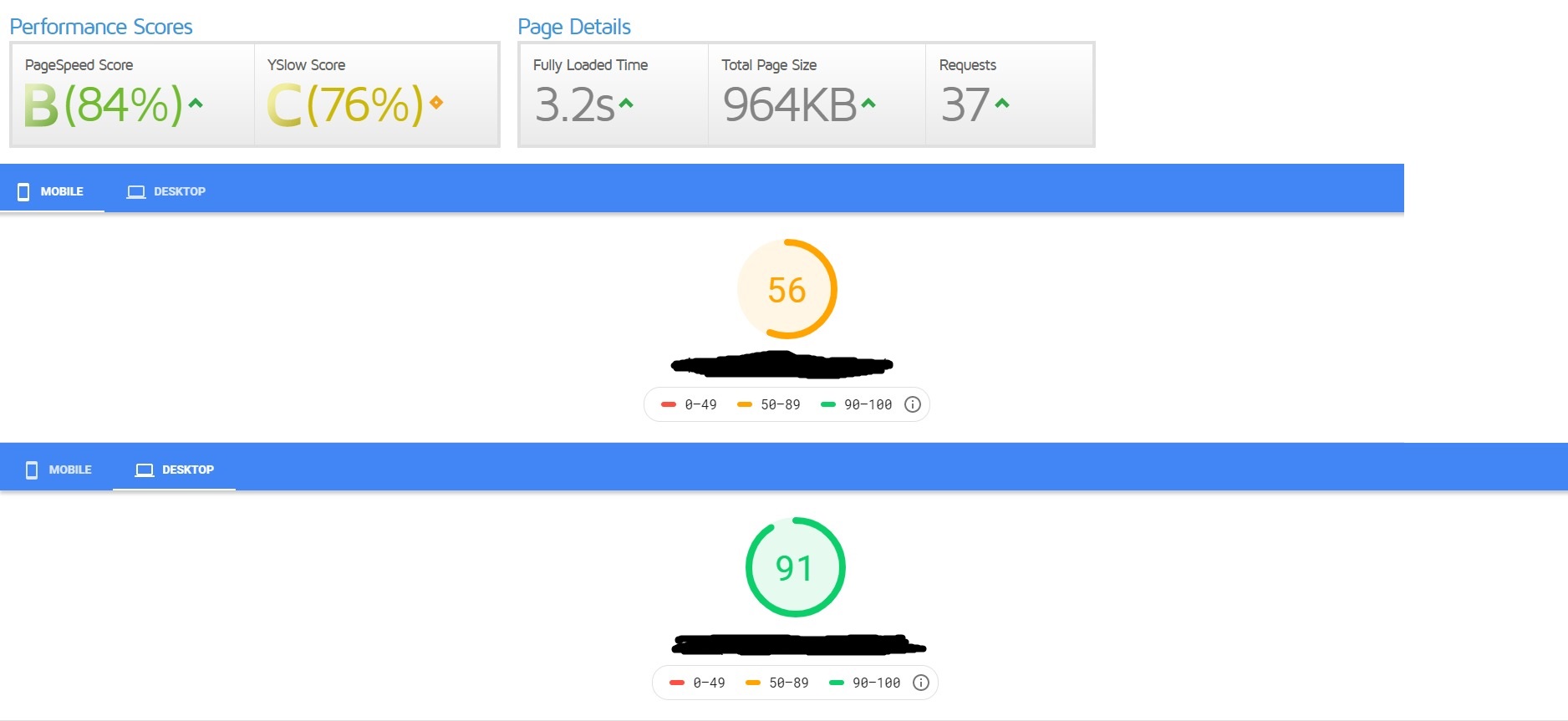
{Hello|Hi|Hey} Today i want to show you how i went from this


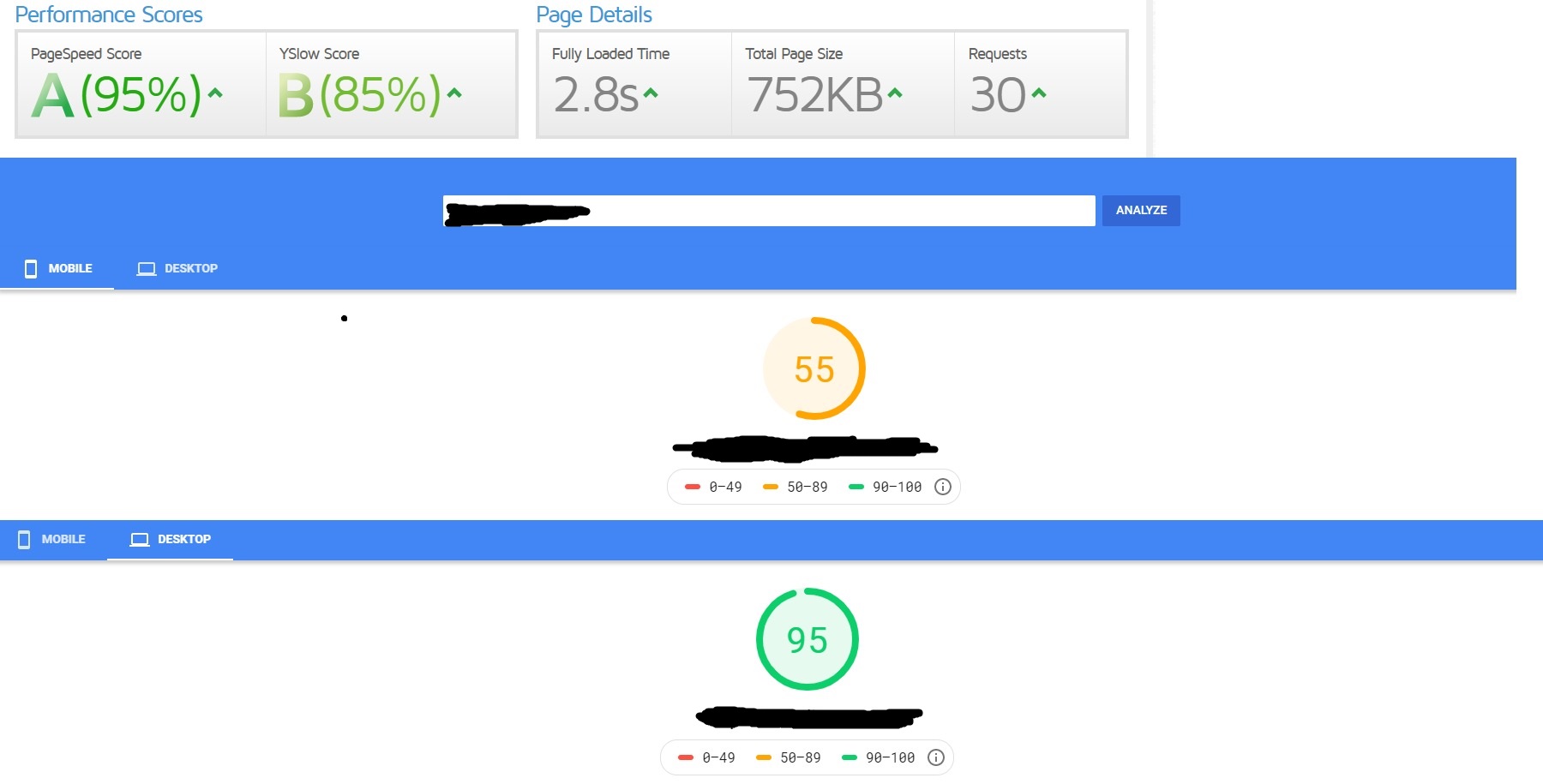
To this



In just 12 minutes and for free and no technical knowledge needed.
First of all, go to https://gtmetrix.com/
and make a test, what matters here is not the score but the fully loaded time.
check the page speed tab

And expand Optimize images, you will find their things that you need to do, like resizing some images
And you can compress some pictures before upload using https://tinypng.com/
If you did all now go and install this plugin autoptimize

Activate it then go to settings > autoptimize
Optimize JavaScript Code? check
Optimize CSS Code? check
Optimize HTML Code? check
and save changes
Now install Wp rocket,it's paid plugin and since I said in the title for free then it should be
You can get uptodate version for free from @Festinger service
HAVE] Download Unlimited Premium WordPress Themes and Plugins from Festinger's Vault
He has limited time offer one free month using this coupon FREEMONTH.
Or you can download this version that he posted
[GET] WP Rocket [Pre-activated]
After you activate it go to Settings > Wp rocket

Since i can't upload more pictures i will attach screen shot links and may a Mod edit it later
http://prntscr.com/qfjciw
http://prntscr.com/qfjcvl
Then save changes and it's all done.
I hope you enjoyed this tuto and i don't mind seeing some before and after result's here
To this
In just 12 minutes and for free and no technical knowledge needed.
First of all, go to https://gtmetrix.com/
and make a test, what matters here is not the score but the fully loaded time.
check the page speed tab
And expand Optimize images, you will find their things that you need to do, like resizing some images
And you can compress some pictures before upload using https://tinypng.com/
If you did all now go and install this plugin autoptimize
Activate it then go to settings > autoptimize
Optimize JavaScript Code? check
Optimize CSS Code? check
Optimize HTML Code? check
and save changes
Now install Wp rocket,it's paid plugin and since I said in the title for free then it should be
You can get uptodate version for free from @Festinger service
HAVE] Download Unlimited Premium WordPress Themes and Plugins from Festinger's Vault
He has limited time offer one free month using this coupon FREEMONTH.
Or you can download this version that he posted
[GET] WP Rocket [Pre-activated]
After you activate it go to Settings > Wp rocket
Since i can't upload more pictures i will attach screen shot links and may a Mod edit it later
http://prntscr.com/qfjciw
http://prntscr.com/qfjcvl
Then save changes and it's all done.
I hope you enjoyed this tuto and i don't mind seeing some before and after result's here