

RealDaddy
Repeatedly violating rules
- Jun 30, 2018
- 9,011
- 11,261
Hello BHW,
I will show you how to get a DA 85 backlink from bitbucket.
Go here - https://bitbucket.org/account/signup/

Fill up your email address.

Enter your name and email address, and click "Agree and Sign up"
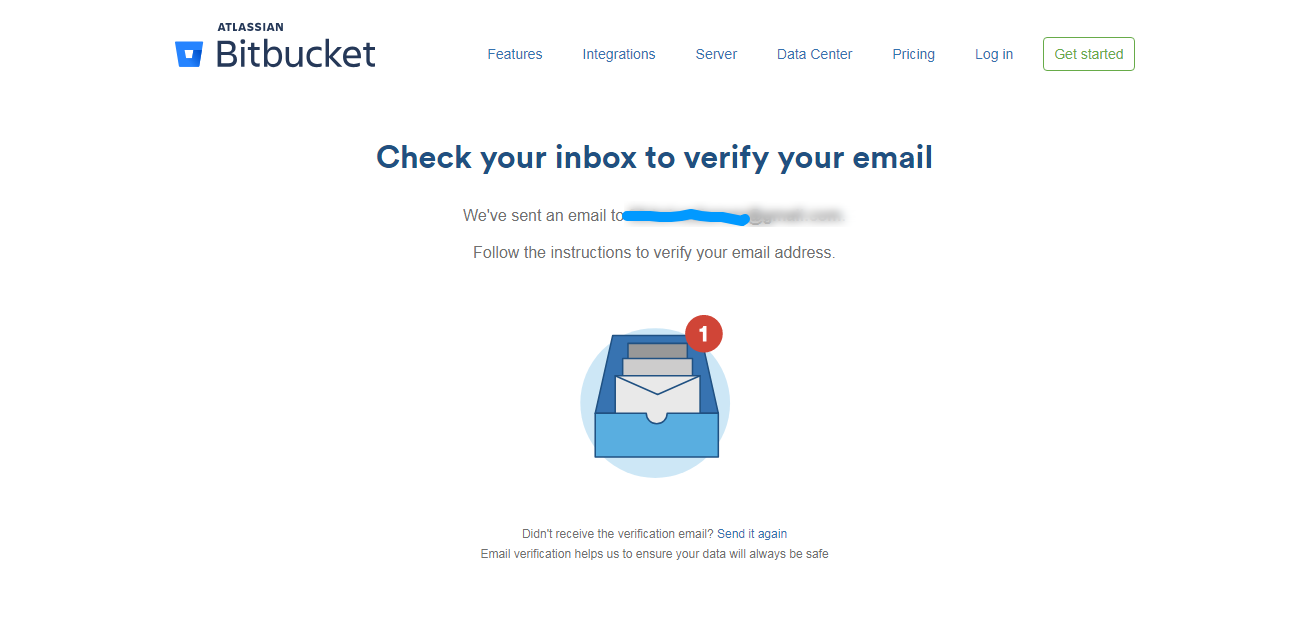
Confirm your email address.
After confirming your email address, you will see this page:-
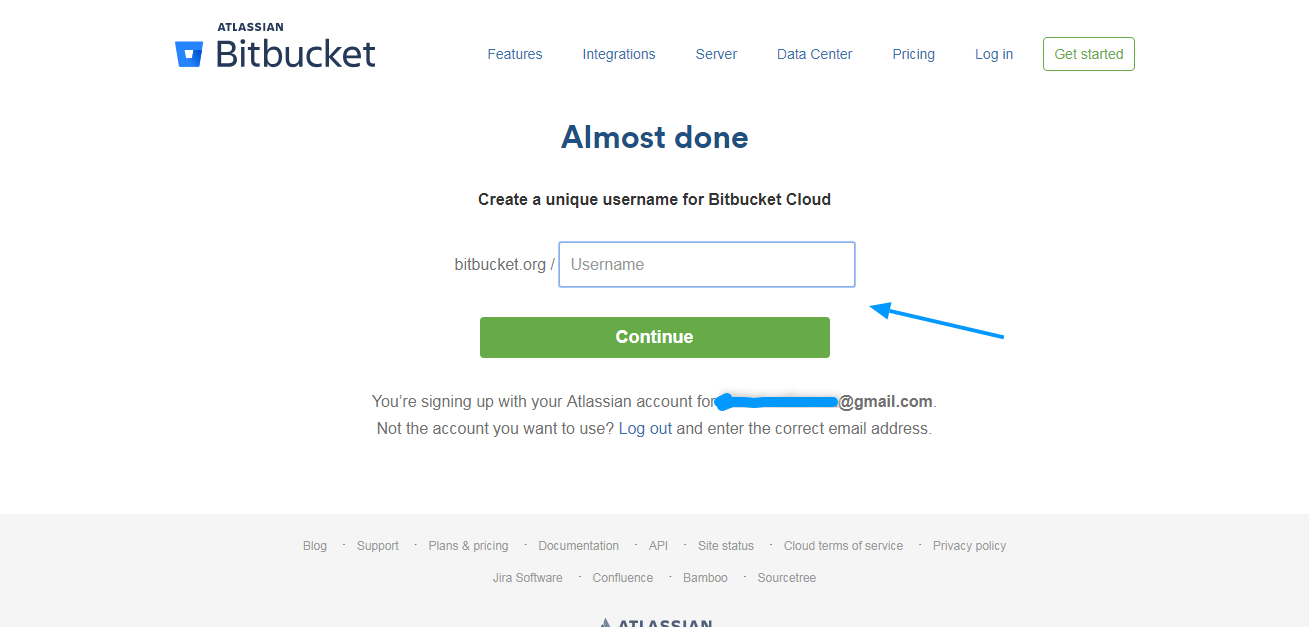
Pick a username. Choose something related to your main keyword.
On the next page, just click "skip"

You will be finally taken to your Dashboard.
Click " Create Repository "

Now you will be presented with this page.

Please follow the steps below:-
[About the screenshot above]
#1 use your main keyword
#2 Uncheck "This is a private repository"
#3 Include README - Select No
#4 Click "Advanced Settings"
#5 Write a 50-word description focused around your main keyword.
Then click "Create Repository"
On the next page:-
Click " Create a README "
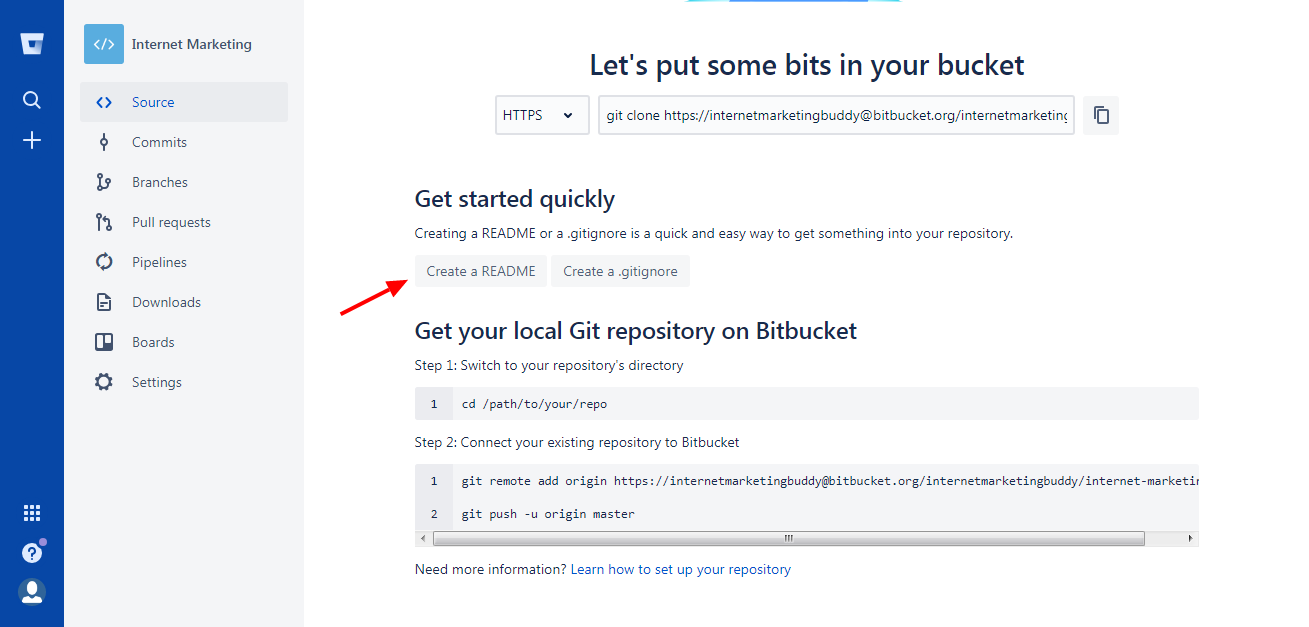
Now delete everything there and write a 500-word article around your main keyword.
Use your website link wherever you think right.

Then click "Commit"
After that, you will see a pop-up window. Just click "Commit"

On the next page, you will see your file already saved.

This is your end product.
I will show you how to get a DA 85 backlink from bitbucket.
Go here - https://bitbucket.org/account/signup/
Fill up your email address.
Enter your name and email address, and click "Agree and Sign up"
Confirm your email address.
After confirming your email address, you will see this page:-
Pick a username. Choose something related to your main keyword.
On the next page, just click "skip"
You will be finally taken to your Dashboard.
Click " Create Repository "
Now you will be presented with this page.
Please follow the steps below:-
[About the screenshot above]
#1 use your main keyword
#2 Uncheck "This is a private repository"
#3 Include README - Select No
#4 Click "Advanced Settings"
#5 Write a 50-word description focused around your main keyword.
Then click "Create Repository"
On the next page:-
Click " Create a README "
Now delete everything there and write a 500-word article around your main keyword.
Use your website link wherever you think right.
Then click "Commit"
After that, you will see a pop-up window. Just click "Commit"
On the next page, you will see your file already saved.
This is your end product.


