- Nov 29, 2022
- 2,503
- 285
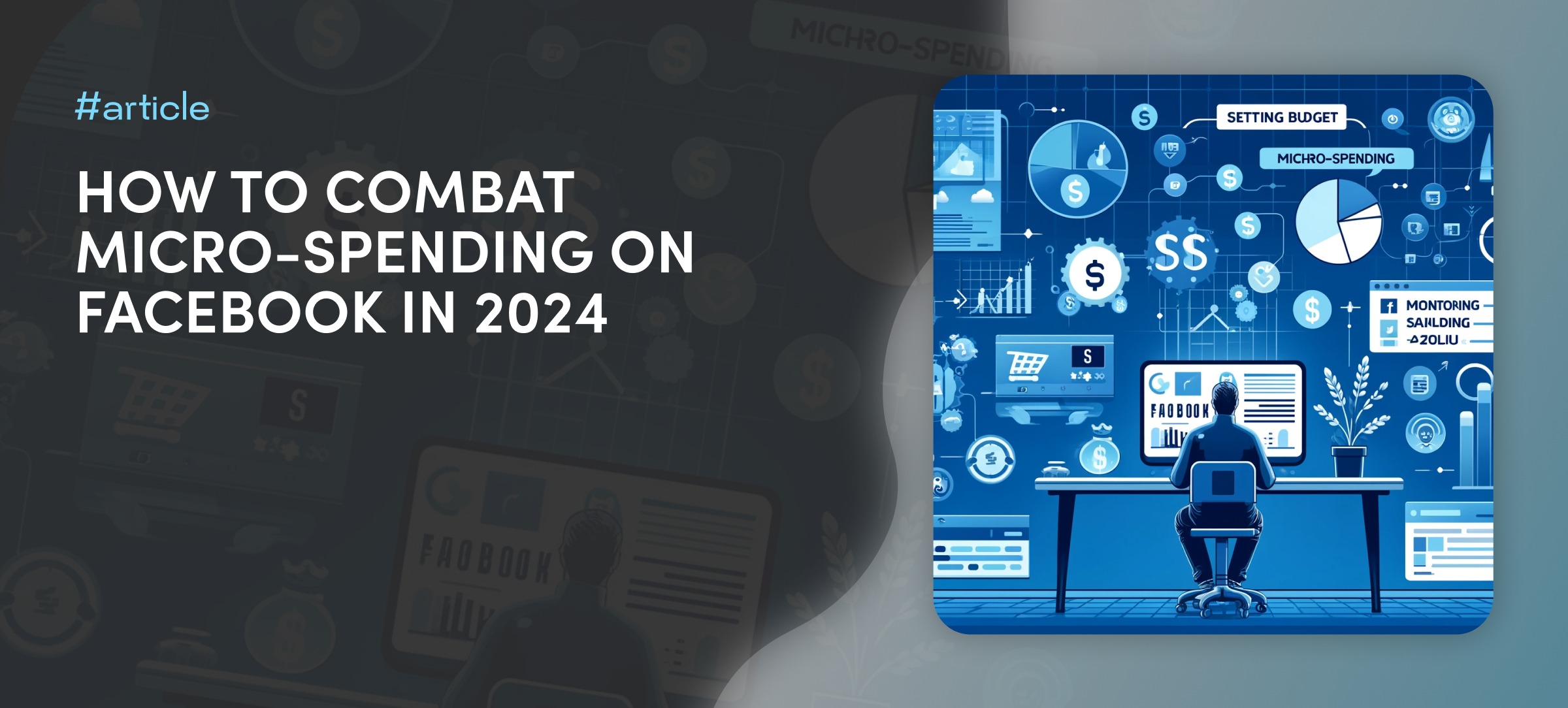
Imagine: you launch an advertising campaign, full of hope and anticipation, but suddenly - bam! - your ad account is blocked, and the funds are debited. Meanwhile, most of the budget remains untouched. This is micro-spending - a situation where the advertising doesn't manage to fully unravel before the money has already gone down the drain.
In this article, we'll look at the reasons for micro-spending in ad accounts, ways to prevent them, and actions to take if they occur.
Quality of Supplies
Buying cheap low-quality accounts like "self-reg" is a false economy that can ultimately lead to greater losses.Why are "self-reg" bad?
• Low level of trust: Facebook is suspicious of low-quality accounts as they are often used for spam and fraudulent activities.• Mass production: Cheap accounts are generated in large quantities without a unique history of activity, increasing the risk of being blocked.
• Identical data: "Self-regs" are often created using the same templates, making them easily recognizable by Facebook.
Result: Your accounts will be quickly blocked, and you will lose both time and money.
What to do?
• Don't skimp on accounts: It's better to purchase a few high-quality farmed accounts rather than a large number of cheap ones.• Use different sources: If you decide to buy self-reg accounts, then purchase them from different sellers to reduce the risk of blocking.
Creatives
Using the same creatives, landing pages, and texts can play a nasty trick on you. The fact is that Facebook constantly learns and analyzes information. When you use the same materials in different advertising campaigns, you're essentially leaving your "fingerprint."How to avoid this issue
- Regularly update your creatives: Don't use the same images, videos, and texts in different campaigns. Once you find a winning combination, it's important to customize a good creative, change metadata, etc., so that Facebook won't be able to suspect anything.
- Change domains: Don't use the same domain for different campaigns many times over.

Payment Method
- Bank BINs: If a large number of webmasters use cards from a single bank to pay for advertising, Facebook may start considering this bank suspicious and block payments.
- Geolocation discrepancy: Facebook pays attention to the correspondence between the geolocation of the bank, payment details, and the account. Try to use payment methods, accounts, and proxies from the same region (for example, Europe, the USA, or CIS).
How to address the issue
- Test different payment methods: The most optimal option is to use different BINs; this way, you can determine which BIN works best for you.
- Pay attention to geolocation: Use payment details that match the region of your account and proxy.
Proxies
Few people consider that the reason for bans can not only be suspicious actions or campaign settings, etc., but also low-quality proxies. Let's figure out exactly how proxies affect micro-spending and how to choose a reliable solution to protect your account.How proxies affect micro-spending
- Quality of IP addresses: Facebook carefully tracks the reputation of IP addresses that are used to access accounts. If you use public or "spammed" proxies, this can raise suspicions with Facebook and lead to micro-spending.
- Geolocation: If you use proxies with an incorrect geolocation, it can raise questions from Facebook, especially if you are launching campaigns from accounts with geolocations that do not match your proxies.
How to choose reliable proxies for Facebook
• Use private one-hand proxies: They provide you with unique IP addresses that are not used by other users. This reduces the risk of being suspected by Facebook.• Pay attention to geolocation: Choose proxies with the geolocation matching the country your account belongs to.
• Choose reputable providers: Use services from reliable proxy providers who have a good reputation, as some sellers might sell the same proxy to multiple people, and naturally, Facebook can see this.